
Yes. Core tools including background removal are free to use with fair usage limits. No credit card is required to get started.
No signup required • Adjustable blur • Fast processing
Background Blur Online | AI Portrait Blur & Bokeh Effect
Create a premium depth-of-field look: keep your subject sharp while the background becomes beautifully soft. Adjustable intensity for a natural bokeh feel.
Privacy-firstNo signupFast processing
Step 1
Upload your image
Drop a photo below. Subject stays clear, only background gets blurred.
~2 to 3 seconds processing timeJPGPNGWEBP
Blur intensity
55Subject stays clear
Drop your image here
or click to browse · Max 15MB
Choose FileOr try an example
No signup requiredSubject stays clearAuto-delete in 1 hour
Simple workflow
How it works
A clean, repeatable workflow that keeps your results consistent.
Step 1
Upload
Add a portrait or product image up to 15MB.
Step 2
Detect subject
AI keeps the subject sharp and isolates the background.
Step 3
Adjust blur
Choose intensity for natural portrait-mode results.
Step 4
Download
Export a clean, share-ready image.
Highlights
Key features
Premium quality, precise controls, and export-ready outputs.
Adjustable blur slider
Fine-tune background blur from subtle to dramatic.
Portrait mode effect
Keep the subject sharp with a natural falloff.
Bokeh-style look
Soft highlights that feel like a real lens.
Selective blur workflows
Designed for keeping key areas sharp (UI-ready).
Great for products
Make products pop on desks and lifestyle shots.
Fast preview
See results quickly without complex controls.
No signup
Start instantly from your browser.
Mobile-friendly
Touch-friendly controls and responsive layout.
Privacy-first deletion
Uploads expire automatically within 1 hour.
Before / After
Real examples
Drag the slider on each example. Then click “Try this image” to load it in the tool.
 Before
 After
AfterPortrait → premium depth
Subject sharp, background softened
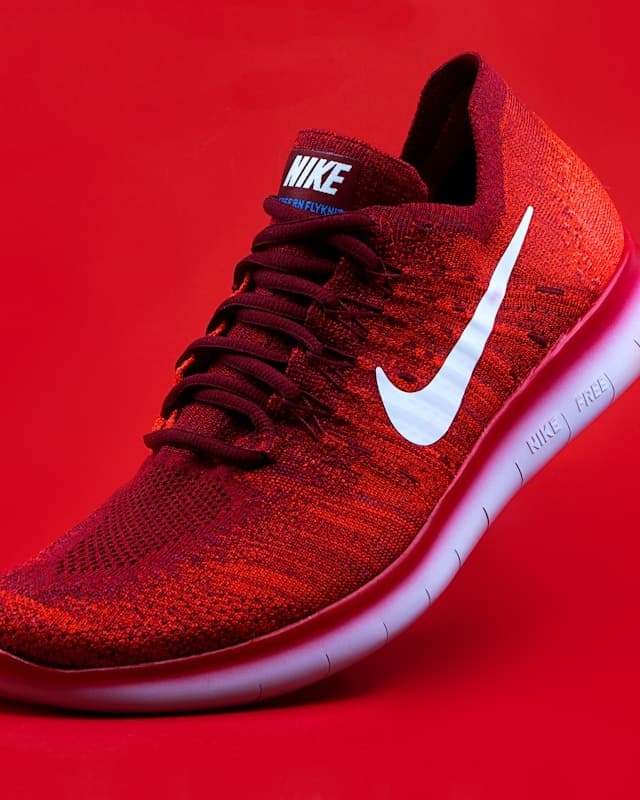 Before
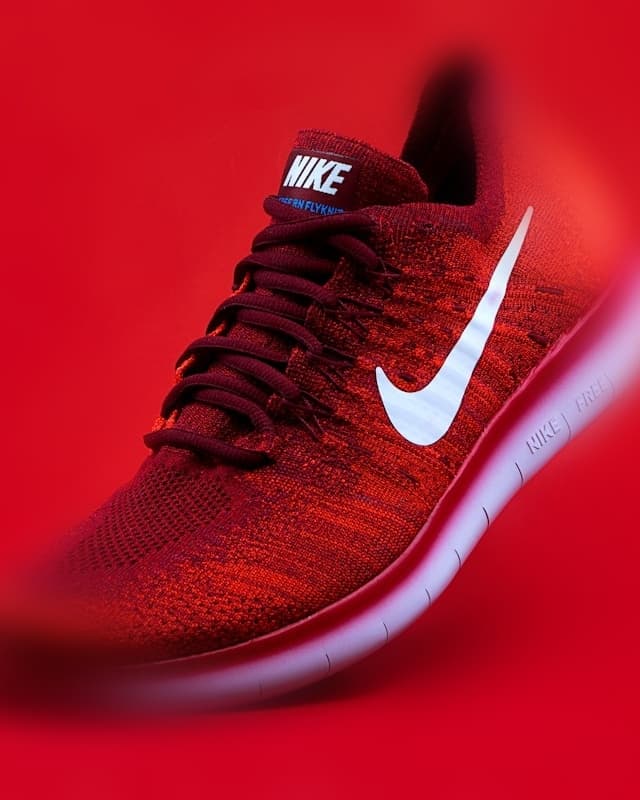 After
AfterProduct on desk → spotlight
Better focus for listings and ads
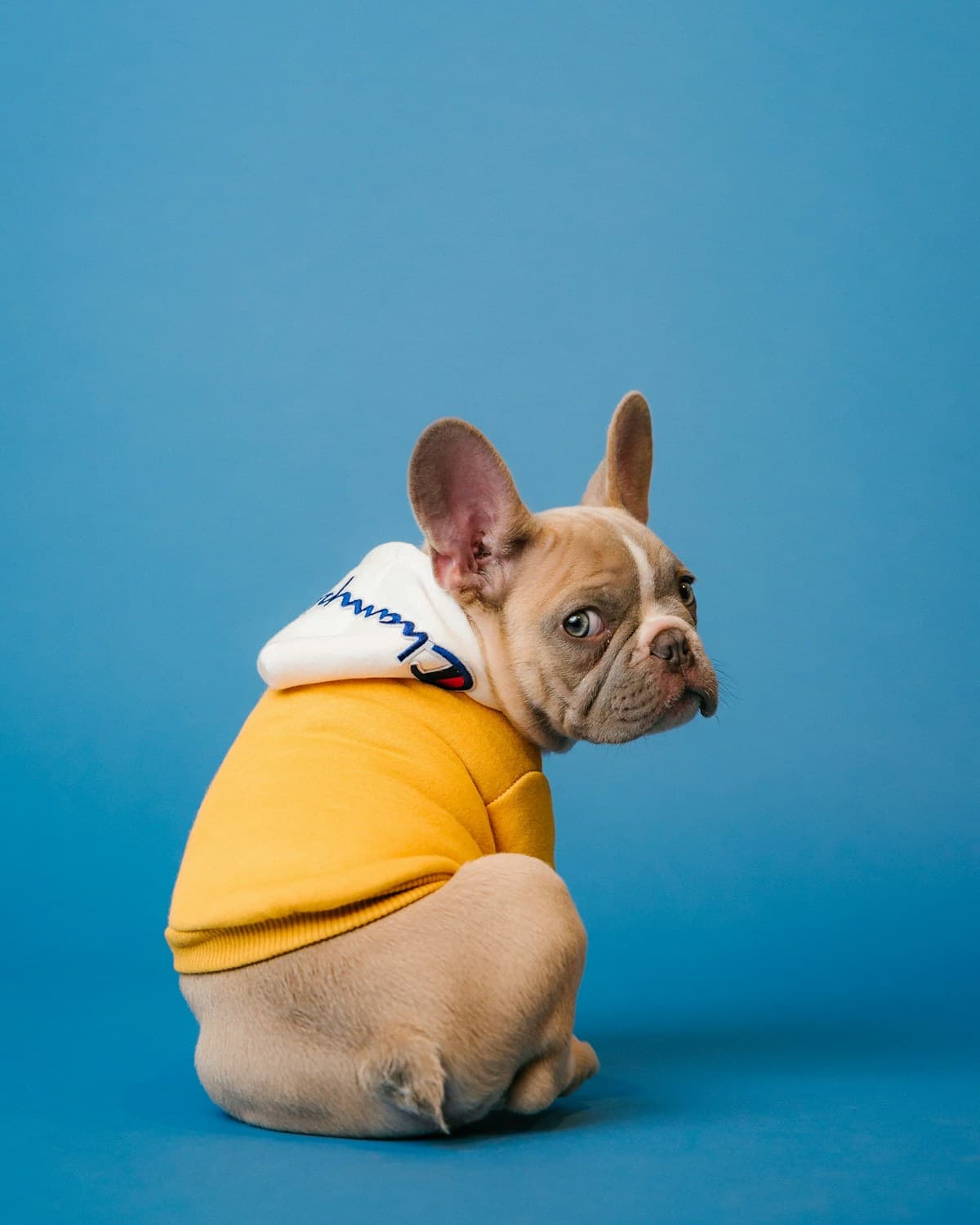 Before
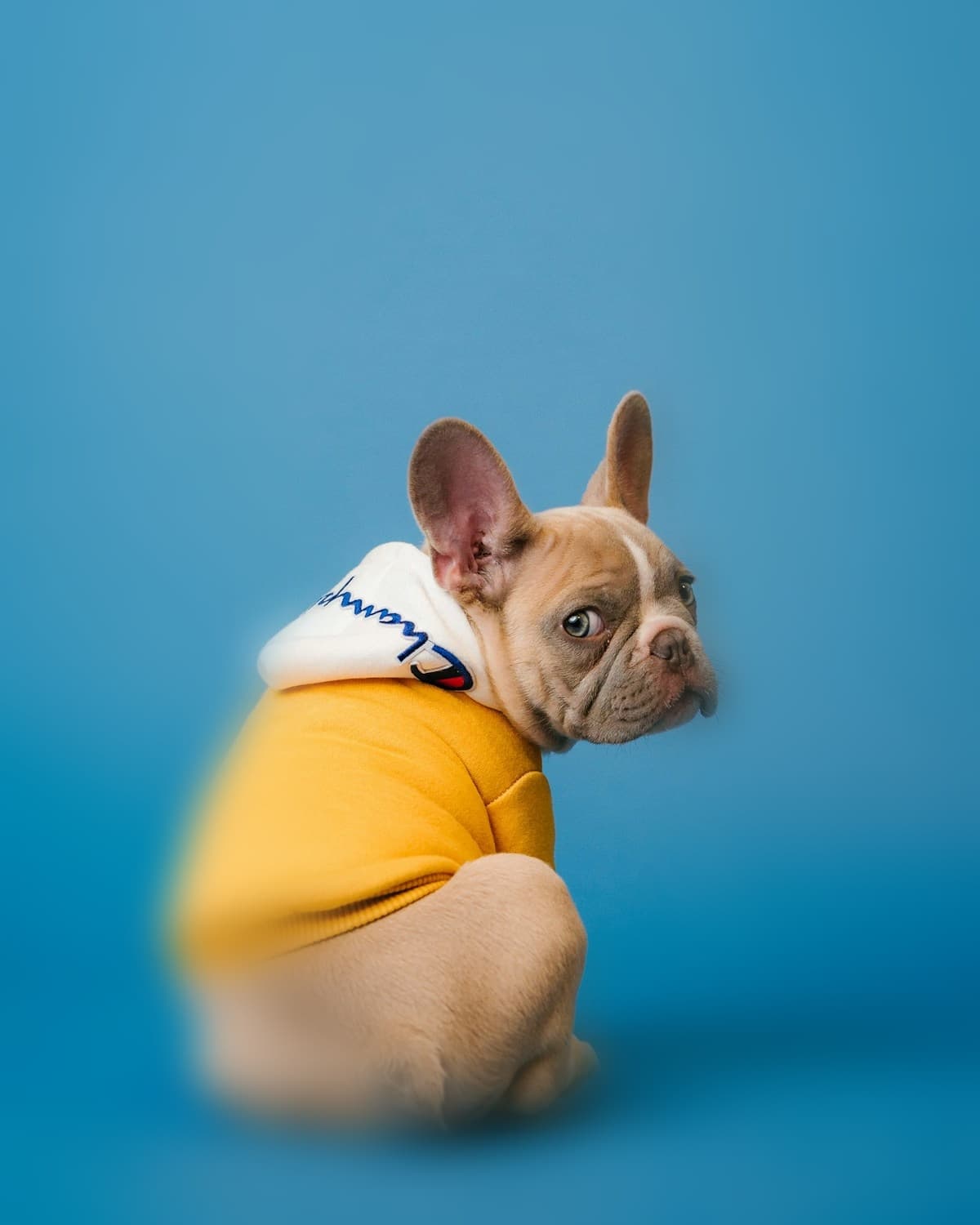 After
AfterPet → portrait-style bokeh
Soft background without losing fur detail
Comparison
Why choose FBG AI
A modern alternative for “blur background” workflows: free, fast, and privacy-first.
Feature
FBG AI
remove.bg / Adobe
Other free tools
Free to start
Limited
Often
No signup
Sometimes
Sometimes
Privacy-first delete
Unclear
Unclear
Clean exports
Paid tier
Watermark risk
Fast LCP tool UI
Varies
Varies
All-in-one suite
Single tool
Single tool
Who benefits
Built for real work
From solo creators to teams — the workflow stays fast and consistent.
Portrait photographers
Create portrait-mode bokeh without re-shooting.
Portraits
E-commerce
Make products pop against soft backgrounds.
Products
Creators
Upgrade thumbnails and cover images instantly.
Creator
Social teams
Keep the subject clear in busy lifestyle shots.
Social
Designers
Create background separation for layouts and ads.
Design
Agencies
Fast iteration for client-ready visuals.
Agency
Social proof
Trusted by 150,000+ creators
Designers, sellers, and marketers rely on FBG AI for fast, professional image edits.
Rated 4.9 on Trustpilot
“Removed backgrounds for 200+ product photos in an afternoon. Quality rivals paid tools.”
“Removed backgrounds for 200+ product photos in an afternoon. Quality rivals paid tools.”
Sarah J.
Product Photographer
“The edge detection on hair is impressive. My clients love the transparent PNG exports.”
James L.
Portrait Photographer
“Upscale + remove BG in one place saved our team hours every week.”
Priya K.
Social Media Manager
FAQ
Common questions
Answers about pricing, privacy, formats, and commercial use.
Related
Try more tools
Use Remove BG, Upscale, and Enhance together with Blur Background for a complete pro editing workflow.
Get AI editing tips in your inbox
Monthly guides, tool updates, and workflow tips. No spam — unsubscribe anytime.