
Yes. Core tools including background removal are free to use with fair usage limits. No credit card is required to get started.
No signup required • No watermark • Auto-delete in 1 hour
AI Watermark Remover | Remove Watermarks from Images Online
Clean your images with smart inpainting. Target watermark regions manually or rely on auto-detect — only use this tool on content you own or have permission to edit.
Privacy-firstNo signupFast processing
Step 1
Upload & preview watermark removal
Upload your image first. You will mark the watermark in the next step — nothing is processed until you confirm.
Mark → then removeJPGPNGWEBP
Drop your image here
No auto-processing — you paint the watermark area first
Choose FileOr try an example
No signup requiredOnly marked area is editedAuto-delete in 1 hour
Simple workflow
How it works
A clean, repeatable workflow that keeps your results consistent.
Step 1
Upload
Add your image (JPG/PNG/WebP) up to 15MB.
Step 2
Mark area
Paint over the watermark — nothing runs until you confirm.
Step 3
Inpaint
AI fills the region with realistic texture and detail.
Step 4
Download
Export a clean image for your workflow.
Highlights
Key features
Premium quality, precise controls, and export-ready outputs.
Smart inpainting
Natural fill that preserves surrounding texture.
Precision brush
Paint only the watermark — the rest of the image stays untouched.
Color-safe inpainting
Reconstructs marked pixels while preserving surrounding tones.
Before/after verification
Preview changes to ensure quality.
Batch-ready design
Optimized UX for multi-image workflows (up to 5 planned).
Safe & compliant
Clear reminders to respect copyright and ownership.
Fast exports
Get a clean file quickly with minimal waiting.
No watermark added
We never add a new watermark to your output.
Privacy-first deletion
Uploads expire quickly after processing.
Before / After
Real examples
Drag the slider on each example. Then click “Try this image” to load it in the tool.
 Before
 After
AfterPortrait watermark → clean frame
Top-left watermark removed with clean inpainting
 Before
 After
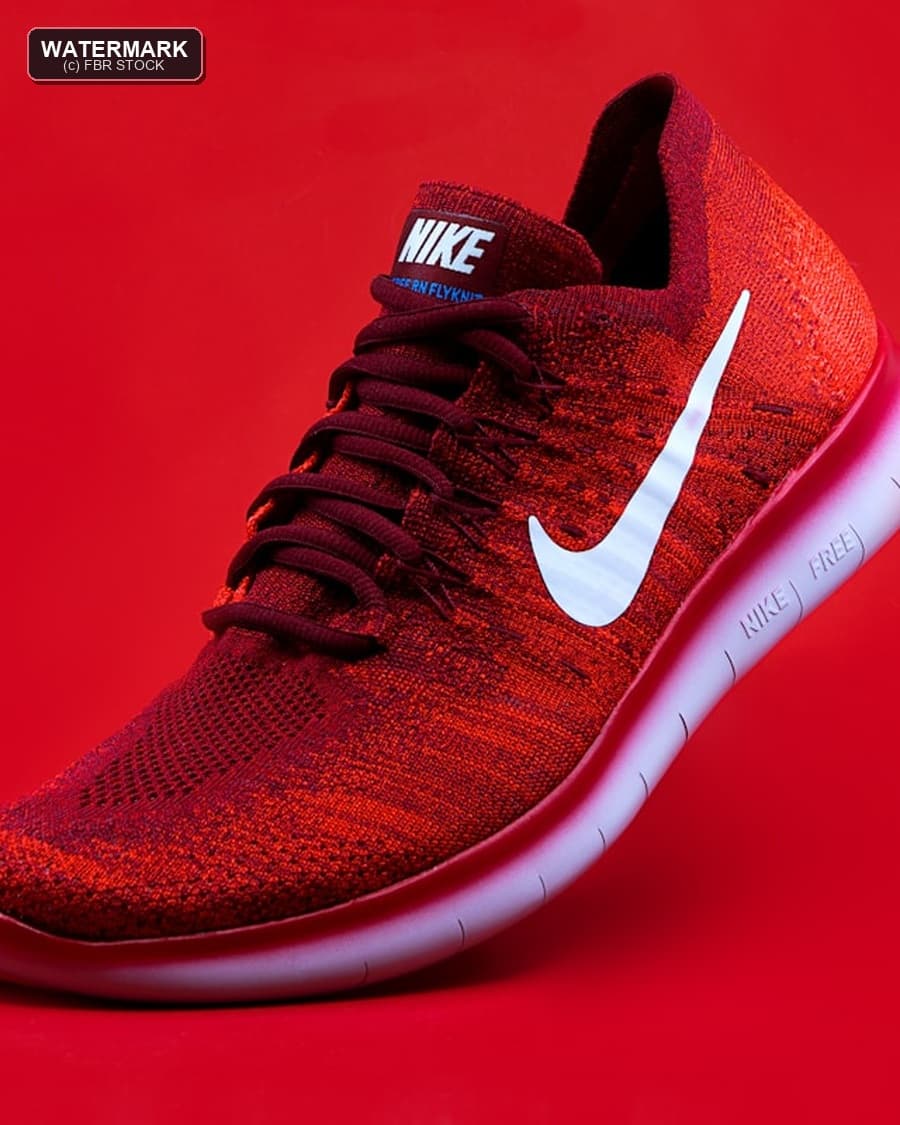
AfterProduct watermark → listing ready
Top-left sample mark removed for clean catalog use
 Before
 After
AfterPet photo watermark → natural cleanup
Top-left text mark removed with clear, sharp texture
Comparison
Why choose FBG AI
A modern alternative for “remove watermark from image” workflows: free, fast, and privacy-first.
Feature
FBG AI
remove.bg / Adobe
Other free tools
Free to start
Limited
Often
No signup
Sometimes
Sometimes
Privacy-first delete
Unclear
Unclear
Clean exports
Paid tier
Watermark risk
Fast LCP tool UI
Varies
Varies
All-in-one suite
Single tool
Single tool
Who benefits
Built for real work
From solo creators to teams — the workflow stays fast and consistent.
Your own product photos
Remove your brand marks for marketplace variants.
Products
Agency workflows
Clean client-owned assets safely and quickly.
Agency
Marketing teams
Prepare assets for campaigns and ads.
Marketing
Designers
Restore clean backgrounds for layouts.
Design
Creators
Fix overlays on content you own.
Creator
Archival cleanup
Restore scans with stamped marks (where permitted).
Restore
Social proof
Trusted by 150,000+ creators
Designers, sellers, and marketers rely on FBG AI for fast, professional image edits.
Rated 4.9 on Trustpilot
“Removed backgrounds for 200+ product photos in an afternoon. Quality rivals paid tools.”
“Removed backgrounds for 200+ product photos in an afternoon. Quality rivals paid tools.”
Sarah J.
Product Photographer
“The edge detection on hair is impressive. My clients love the transparent PNG exports.”
James L.
Portrait Photographer
“Upscale + remove BG in one place saved our team hours every week.”
Priya K.
Social Media Manager
FAQ
Common questions
Answers about pricing, privacy, formats, and commercial use.
Related
Try more tools
Explore the full FBR AI suite — upscale, generate backgrounds, remove backgrounds, blur backgrounds, and enhance images.
Get AI editing tips in your inbox
Monthly guides, tool updates, and workflow tips. No spam — unsubscribe anytime.